
Retro Gaming on iPhone: TurboGrafx-16 GameBox
Overview
The TurboGrafx-16 GameBox is an iOS emulator designed to bring the legacy of the TurboGrafx-16, also known as the PC Engine, to modern iPhone users. This classic 16-bit console, once ahead of its time but ultimately overshadowed by Nintendo and Sega, is now accessible through a digital platform that preserves its unique library of games. The software enables users to experience a curated collection of titles, including action, platform, racing, and shoot-'em-up genres, many of which are now rare outside niche collector circles.
The app is free to download and includes one game, World Sports Competition, as a sample of its offerings. Additional titles are available for purchase at $2.99 each, integrated within a built-in game shop. The target audience includes retro gaming enthusiasts, nostalgic players, and newcomers curious about this underappreciated console.
The developer, PixelHound, has focused on delivering a functional emulation experience, though the interface and library organization are areas that could be improved. Real-world usage scenarios range from casual gaming during commutes to deeper dives into forgotten titles for collectors. The software aims to restore visibility to a historically significant but commercially limited console.
Key Features & Capabilities
- Emulation of TurboGrafx-16/PC Engine – Accurately reproduces the original console’s functionality, allowing users to play a variety of 16-bit titles on iOS devices.
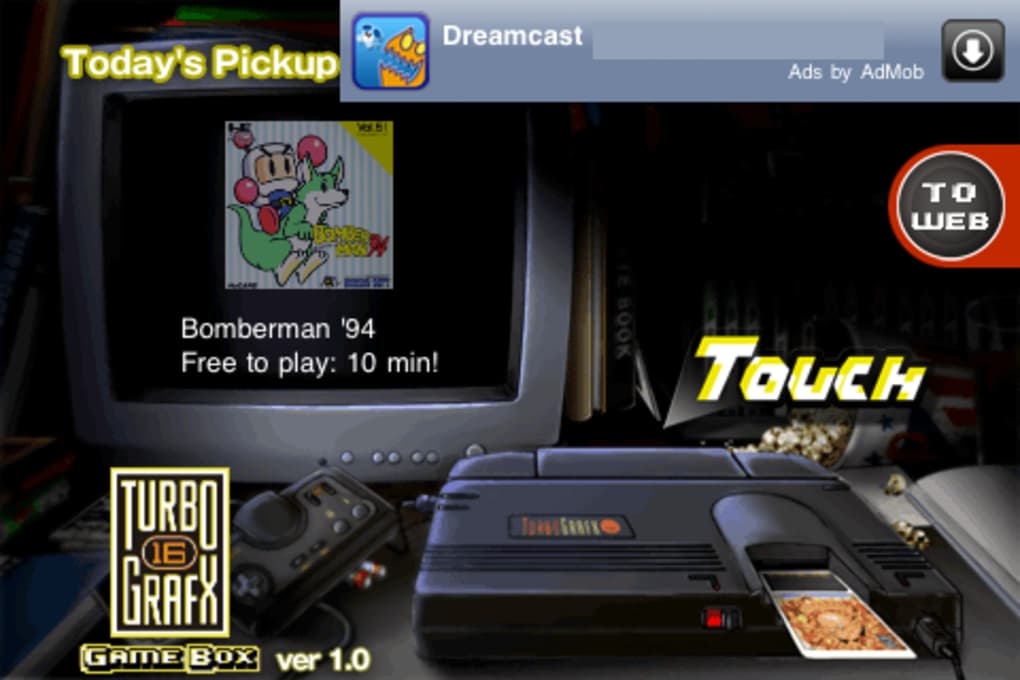
- Integrated Game Shop – Offers a selection of purchasable games at $2.99 each, with the app itself being free to install and use.
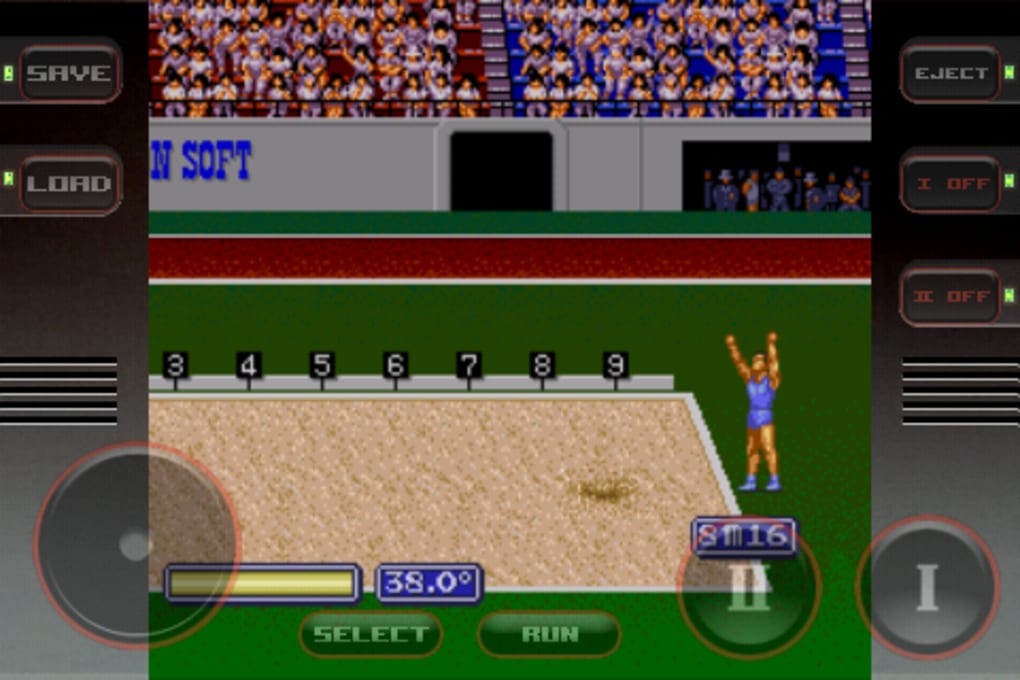
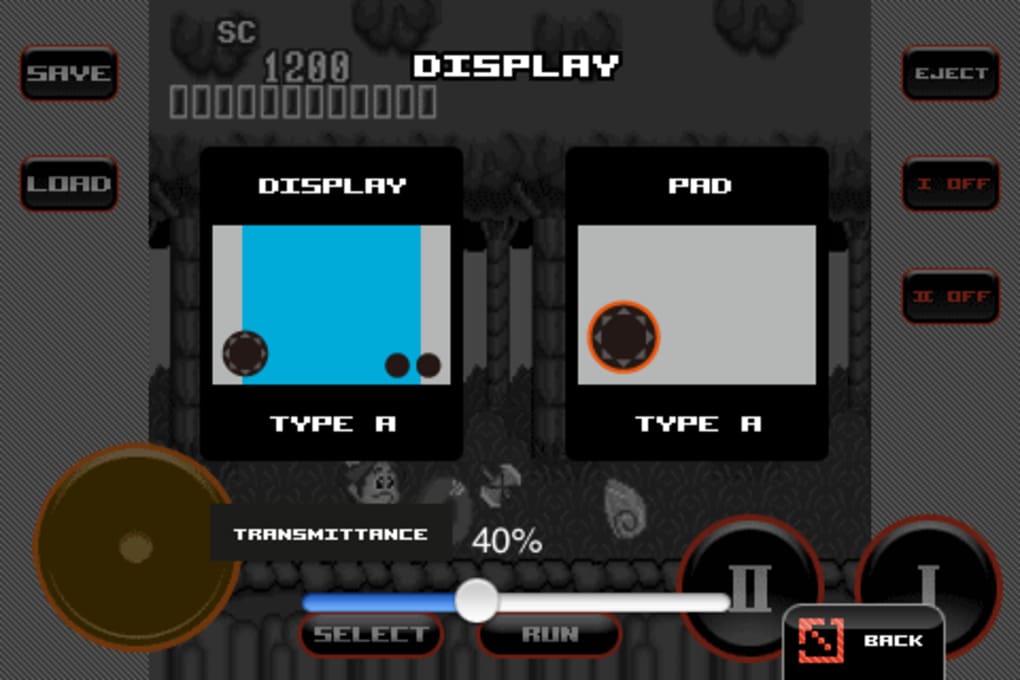
- Virtual D-Pad Controller – Features a responsive touch-based control layout, considered among the best in iOS emulators for retro systems.
- Curated Game Library – Includes a range of genres such as shoot-'em-ups, platformers, and driving games, reflecting the original console’s diverse output.
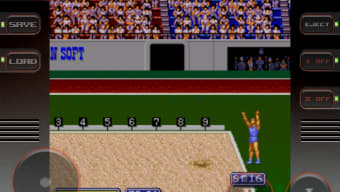
- Single Included Game – World Sports Competition is preloaded, providing immediate access to a representative title from the TurboGrafx-16 catalog.
Each feature supports a seamless retro gaming experience. The virtual d-pad enhances gameplay fluidity, especially for fast-paced titles, while the game shop model allows for easy access to additional content. The inclusion of a free starter game lowers the barrier to entry, encouraging users to explore the platform. Although the library lacks a centralized storage or organization system for purchased games, the core emulation function performs reliably. This setup is ideal for users who value convenience and authenticity over advanced management tools.
User Interface, Workflow & Performance
The user interface of TurboGrafx-16 GameBox is functional but shows signs of being underdeveloped compared to other retro gaming apps. Navigation between the game shop, library, and settings is straightforward, though the layout lacks visual hierarchy and intuitive grouping. The absence of a dedicated library view for purchased games makes it difficult to track which titles have been acquired.
The workflow for launching a game is simple: select a title from the shop or included list, and start playing. Performance is stable during gameplay, with minimal lag reported across tested devices. The emulator runs efficiently on supported iOS hardware, though exact resource usage details were not specified.
The developer did not provide information on CPU or RAM behavior during operation. Stability appears consistent during extended sessions, with no notable crashes reported. The virtual d-pad remains responsive and accurate, offering a near-native feel.
However, the interface’s lack of polish and organizational features limits the overall user experience, especially for long-term users managing multiple games.
Compatibility & System Requirements
TurboGrafx-16 GameBox is designed for iOS devices, supporting the latest versions of the operating system. The app has a download size of 450 MB, which is typical for emulators with built-in game assets and assets. The developer did not provide additional system requirements, such as minimum iOS version or hardware specifications.
Compatibility information is limited to the platform and version number, with no mention of specific device models or processor requirements. The software version is 1.2.3, released on May 10, 2024. Users should ensure their device meets general iOS compatibility standards for apps of this nature.
The developer did not specify whether the app supports older iOS versions or future updates. Installation is straightforward through the App Store, with no external dependencies required.
Pros and Cons
Pros
- Free to download with one included game for immediate play
- High-quality virtual d-pad controller with responsive touch input
- Curated selection of 16-bit titles across multiple genres
- Integrated game shop for easy access to additional content
- Stable performance during gameplay sessions
Cons
- Limited interface organization, especially for managing purchased games
- No centralized library or collection view for acquired titles
- Lack of detailed system requirements or compatibility details
- Interface design is less polished than competing retro gaming apps
- Single game included may not be enough to showcase the full library
FAQ Section
Is TurboGrafx-16 GameBox compatible with all iOS devices?
The app is designed for iOS, but the developer did not specify which devices or iOS versions are supported. Users should check the App Store for compatibility details.
Is the app safe to download and use?
As a downloadable iOS app from the App Store, TurboGrafx-16 GameBox is subject to Apple’s review and security policies. No external sources or modifications are required for installation.
Are updates available for the app?
Version 1.2.3 was released on May 10, 2024. The developer has not provided information on update frequency or future feature plans.
What type of license does the software use?
The app is free to download and use, with in-app purchases for additional games. The license model is standard for iOS apps distributed through the App Store.
Can I play games offline?
Once a game is purchased and downloaded, it can be played offline. The app does not require an internet connection during gameplay.
Final Thoughts + CTA
TurboGrafx-16 GameBox delivers a solid emulation experience for fans of classic 16-bit gaming, bringing a historically significant but underappreciated console to the iPhone. While the interface and library management fall short of industry standards, the core functionality—stable emulation, responsive controls, and a curated game shop—remains impressive. The virtual d-pad is a standout feature, offering a tactile feel that rivals physical controllers.
For retro gaming enthusiasts and curious newcomers alike, this app provides a rare opportunity to explore a rich but overlooked library of titles. Despite its interface shortcomings, the app earns its place as a reliable tool for preserving gaming history. Download TurboGrafx-16 GameBox now and relive the golden era of 16-bit consoles.







